

Templates
The starter templates you can install with page kit, get your campaign up and running in minutes.
Introduction
All templates are available for download on GitHub at NextCommerceCo/campaign-cart-starter-templates. You can browse the source or clone individual templates directly from the repository.
These are the options you'll see at the campaign-init template picker. Each one installs a complete funnel into your project with SDK-ready checkout, cart, upsell, and receipt surfaces. Treat those commerce surfaces as runtime wiring: replace campaign-specific package IDs, offer codes, shipping methods, copy, assets, and routes, but avoid rebuilding the SDK-owned controls from scratch.
Compare families in the template browser, which presents the picker catalog with previews and use cases. Keep the family an existing campaign already uses when it fits the change.
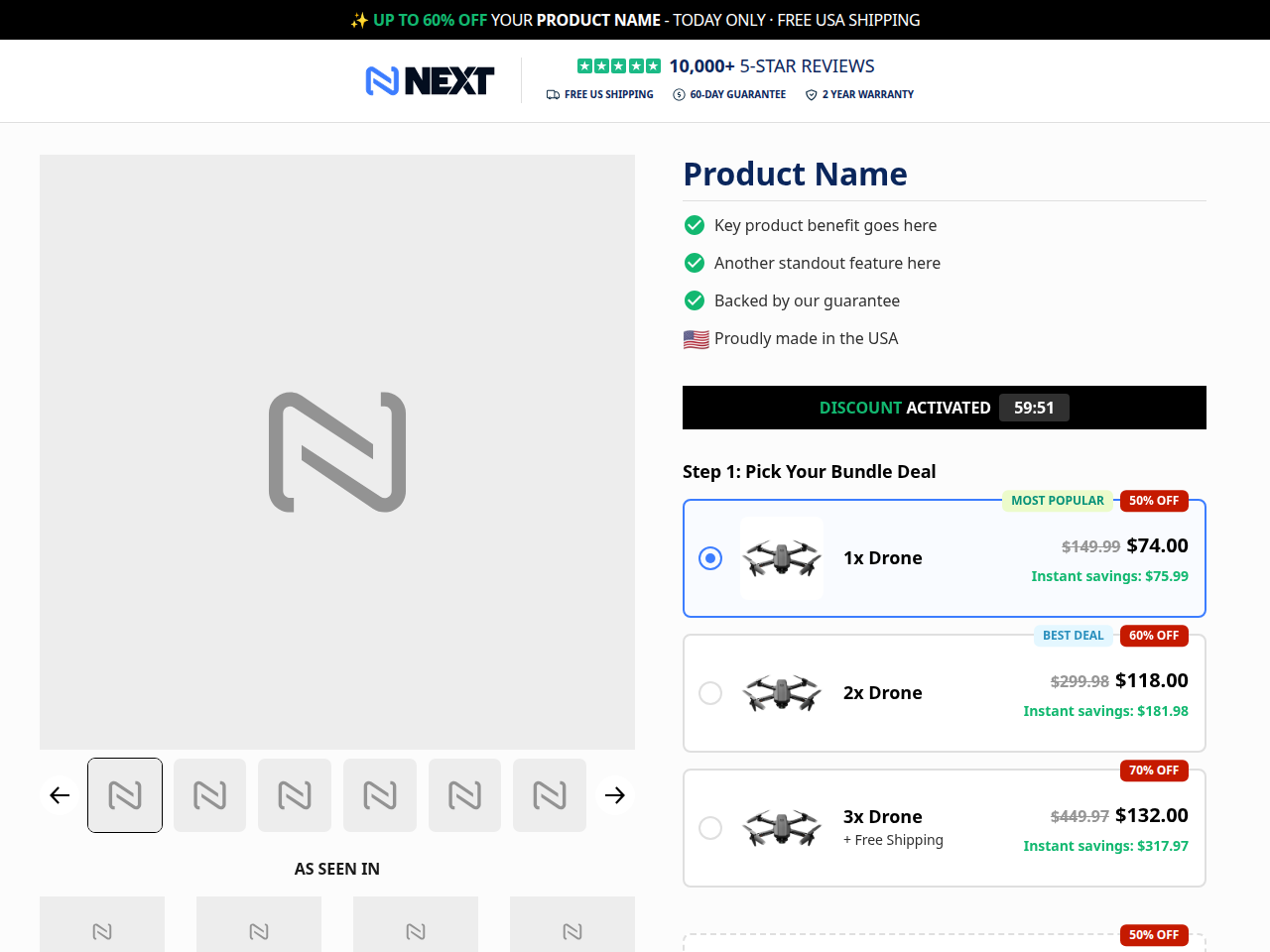
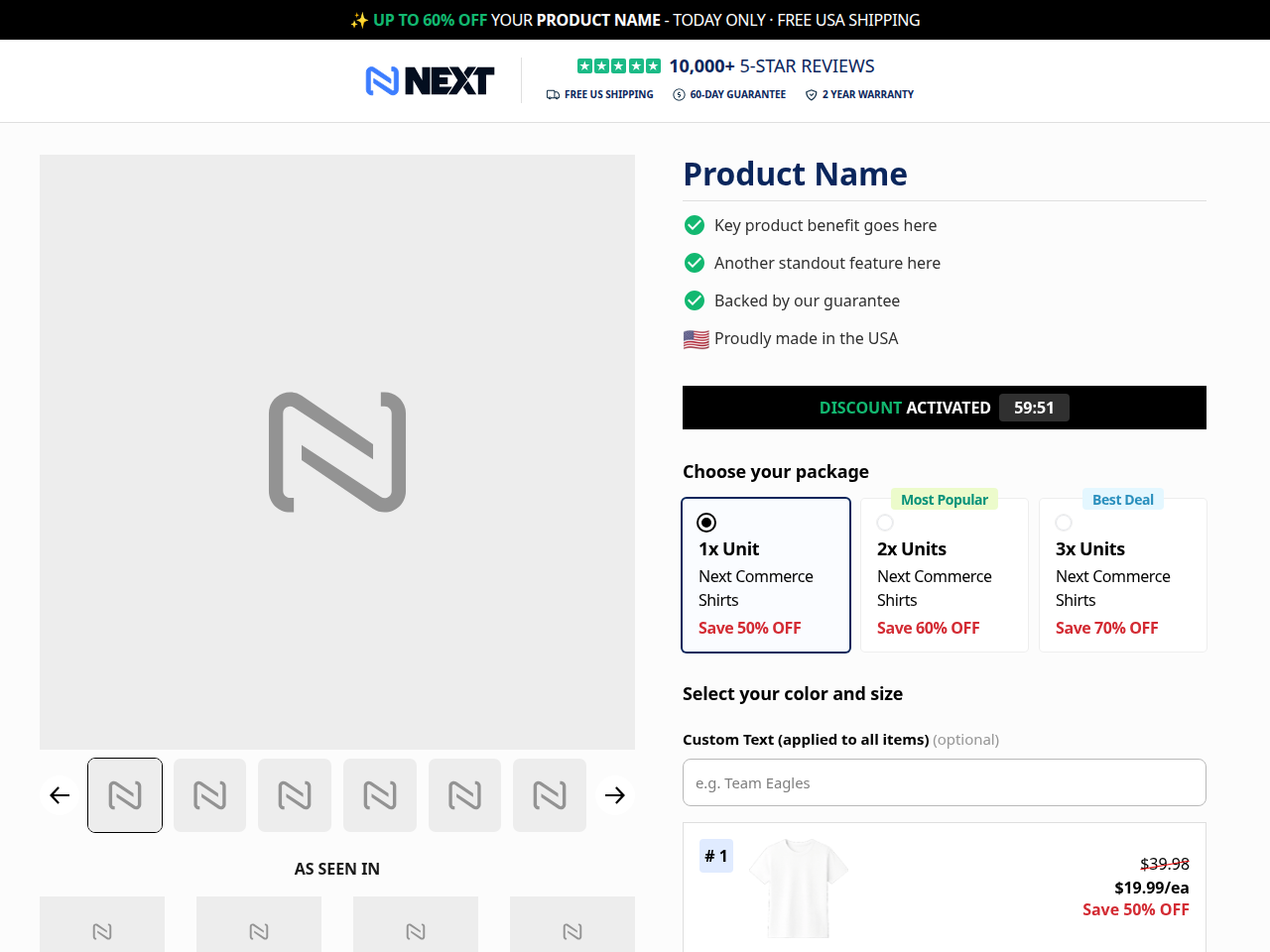
apollo-mv-single-step
Apollo layout for products with variants — configurable multi-variant bundle slots on a single-step checkout.
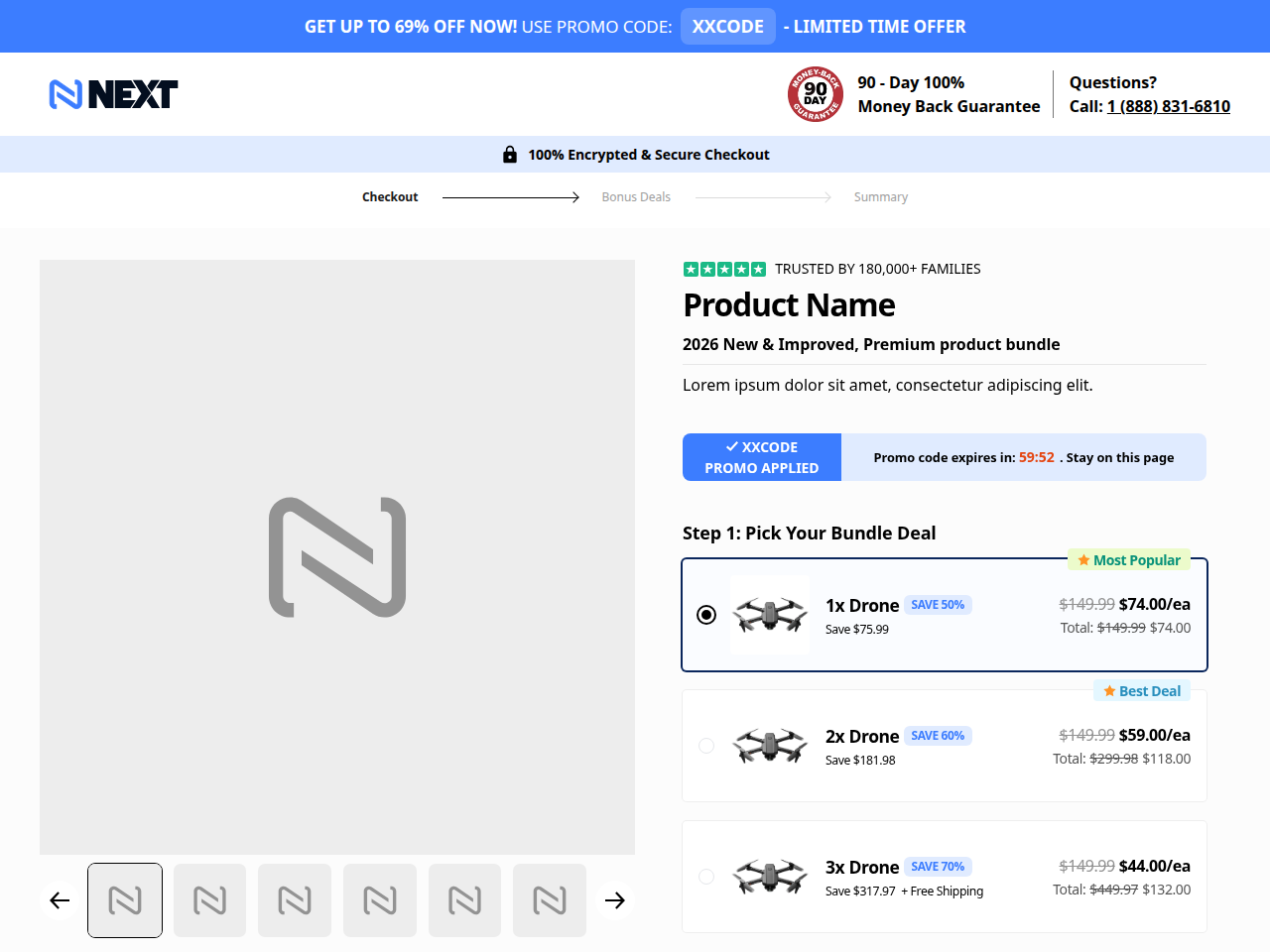
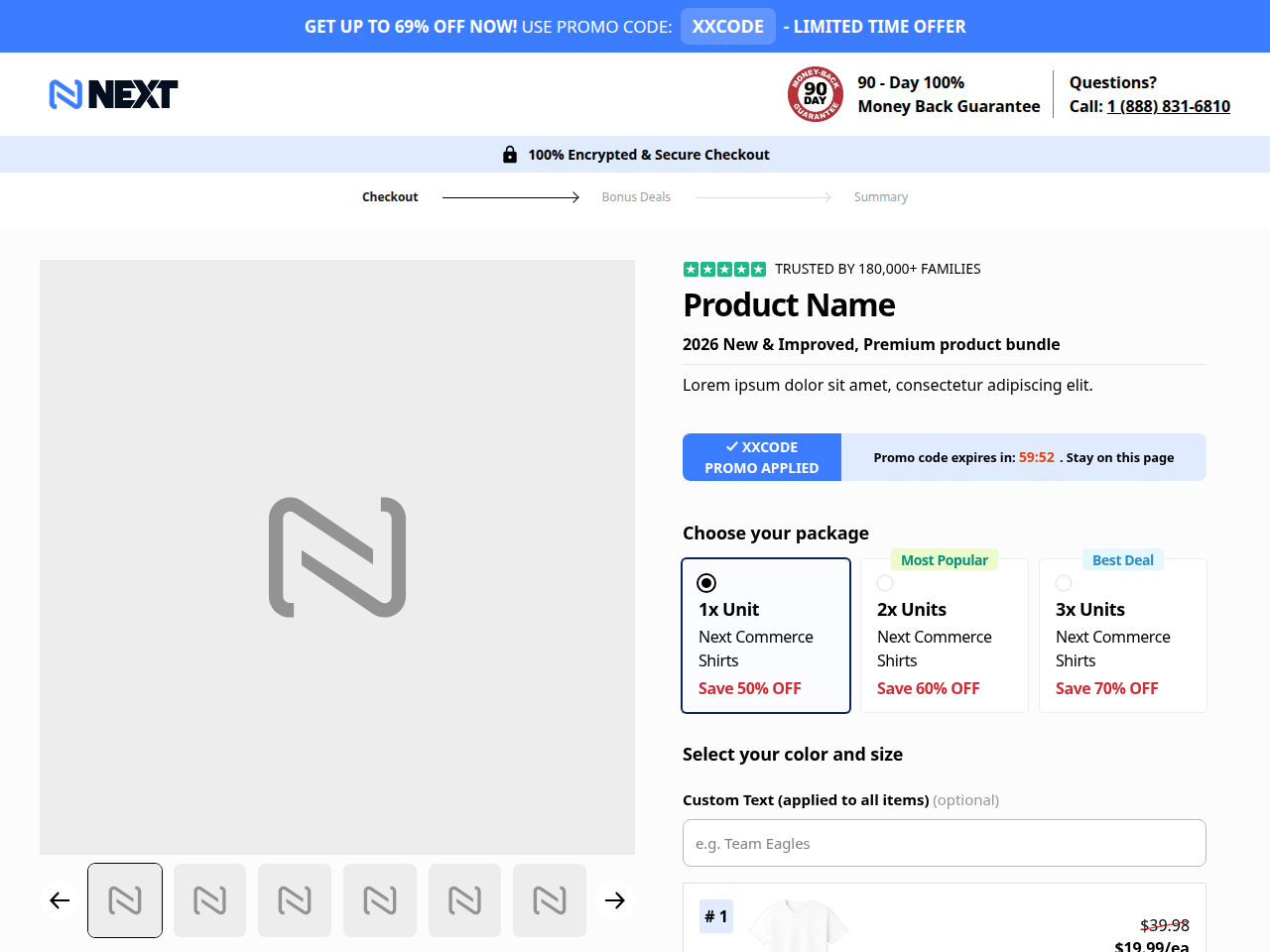
olympus-mv-single-step
Products with variants (size, flavor, color) on a single-step checkout.
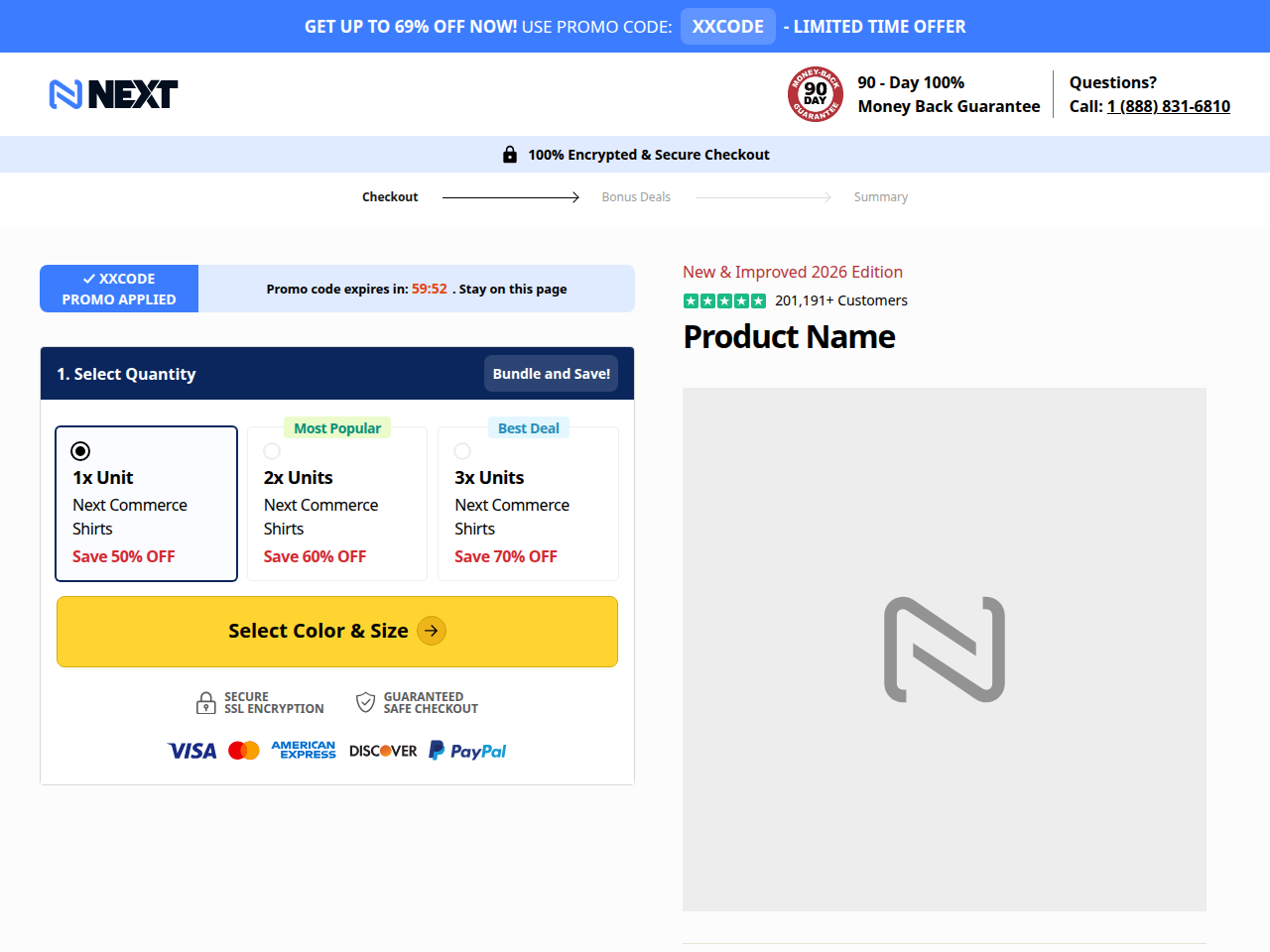
olympus-mv-two-step
Variant-heavy products where selection deserves its own page before checkout.
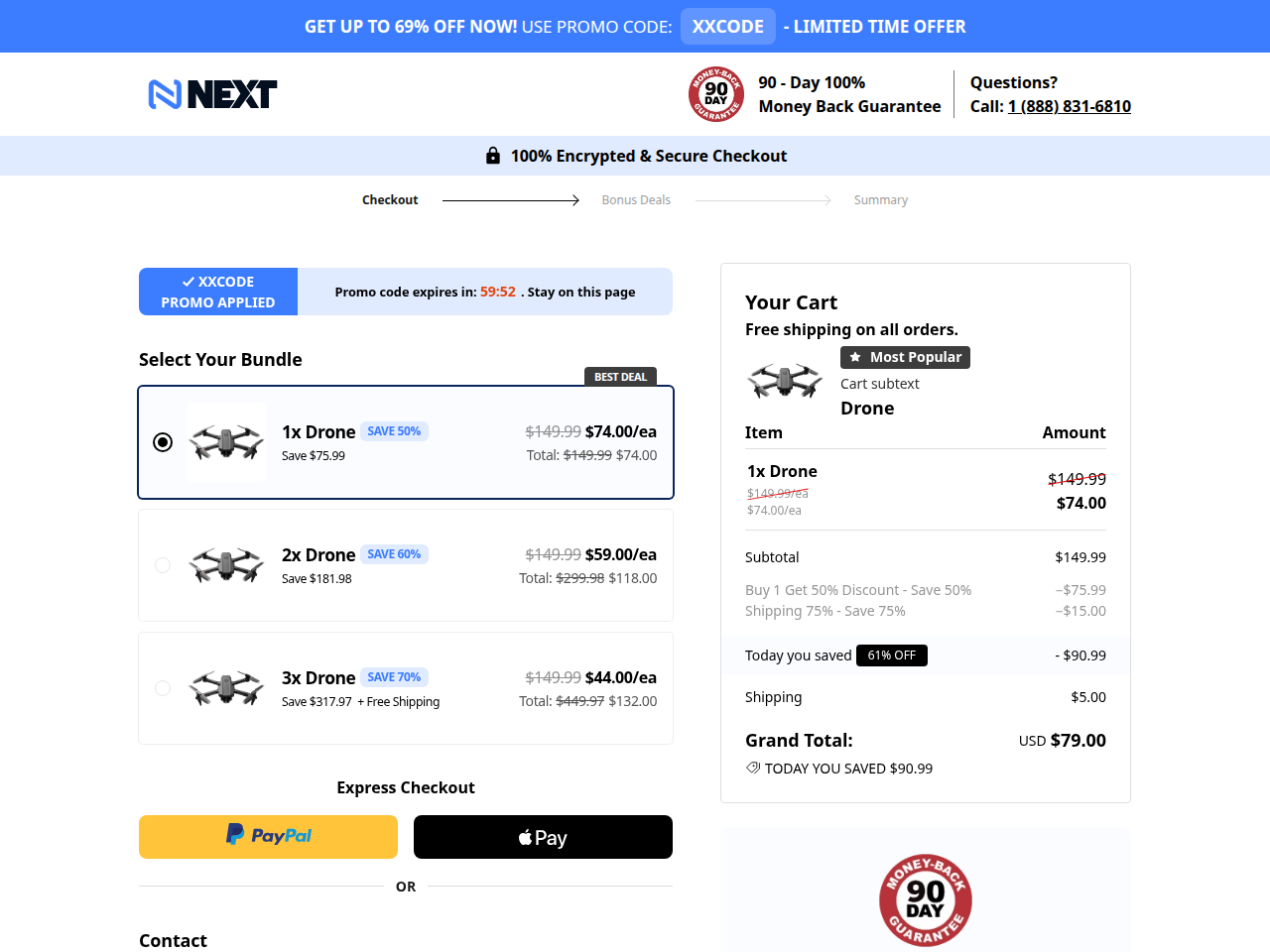
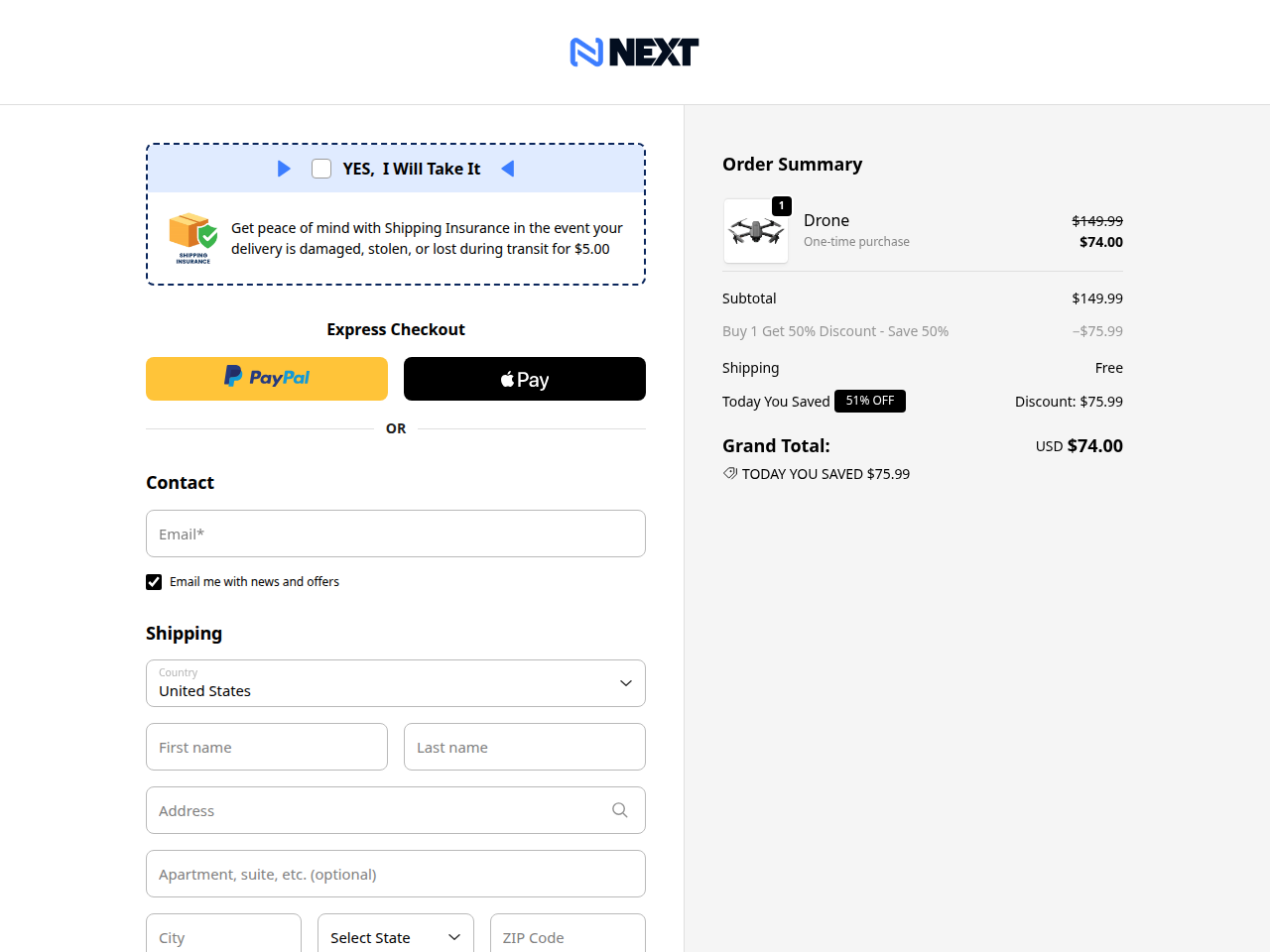
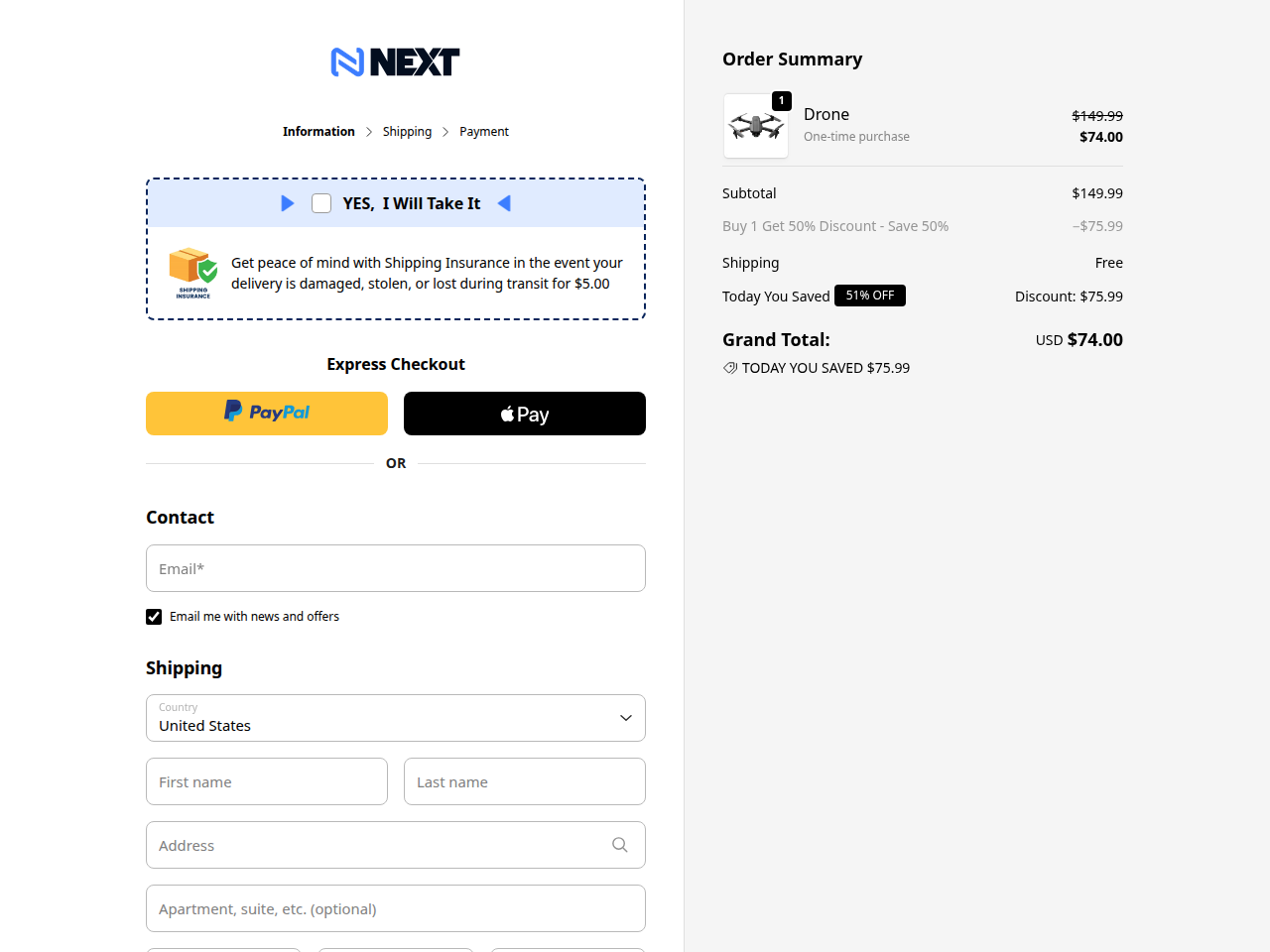
shop-three-step
Shopify-style split flow (information → shipping → billing). Use when split-step converts better on your audience.
Continue with the campaign agent guide and give your agent the selected family. You can build locally without a saved Map.